Linux Mint Cinnamon Virtual Appliance OVA
Download
or download free
[free_download_btn]
Description
Linux Mint is an OS designed around usability. This Virtual Appliance has the open-vm-tools-desktop package installed for usability.
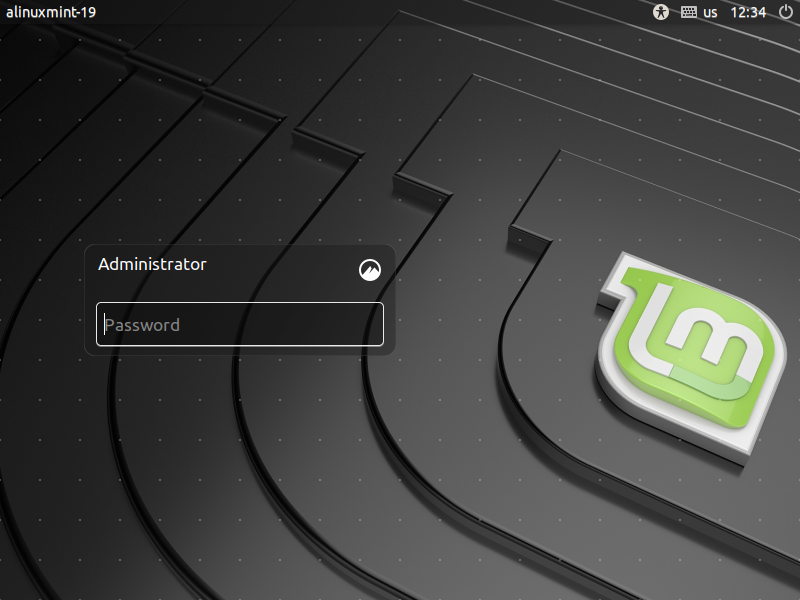
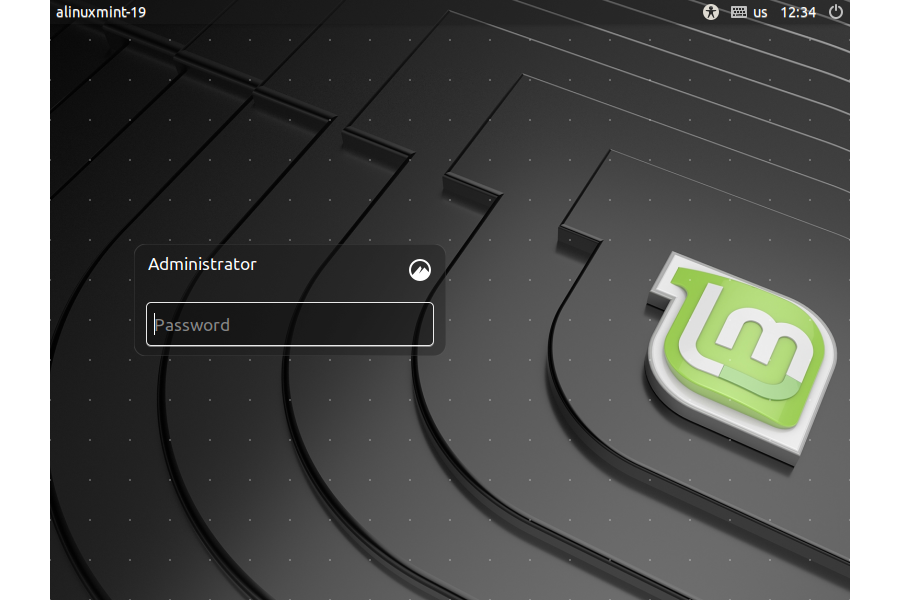
- The username is: administrator
- The password for administrator is: P@ssw0rd
- root is available after logging in as administrator by using the command: su -
- The password for root is: P@ssw0rd
- NOTE: in terminal, root may be used directly.
Here are some simple steps to get started:
- Import the OVA to your hypervisor
- Connect with the username: administrator and password: P@ssw0rd
- Open: Terminal
- Once connected, type: su -
- When prompted for the root user password, type: P@ssword
- Change the password for administrator by typing: passwd administrator
- Change the password for root by typing: passwd: root
- Change the server hostname by editing the file: /etc/hostname
- Reboot by typing: reboot NOTE: This is now your VM!
[changelog]
Categories & Tags
Similar Downloads
No related download found!